Most delivery and takeaway customers never see your counter signage, so your loyalty offer must travel with the order. With 7stamp’s Receipt QR, every receipt, bag, and order slip becomes a Stamp moment—no POS changes and no customer app. Guests scan, add your Card to Apple Wallet or Google Wallet, and collect a Stamp in seconds. Use this playbook to set up a clean, fraud-aware, and repeatable off‑premise routine.
Map common delivery and takeaway order paths
Receipt QR works across off‑premise flows because it rides along with the order. Map your typical paths, then place the QR where customers naturally check details or open packaging. The same Zero Integration setup covers busy counters, phone orders, and aggregator-driven deliveries.
Counter pickup
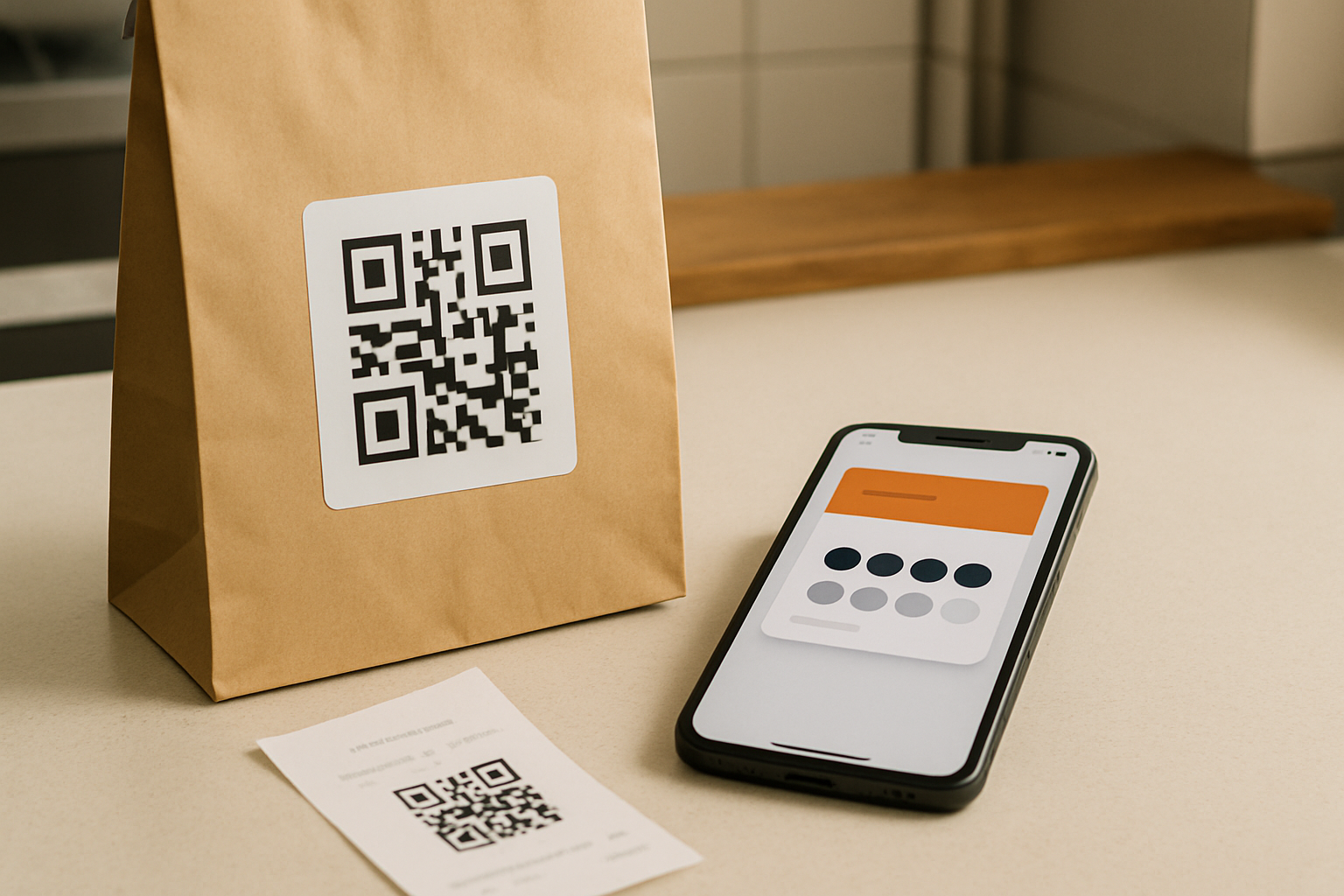
Print the Receipt QR on the receipt footer and apply a small bag or box sticker near the seal. When the guest collects, the cashier or runner points to the QR: “Scan for your Stamp—add the Card to Wallet for next time.” Many customers scan while waiting; the bag sticker gives a second chance after they leave.
Phone orders
Include the Receipt QR on the printed order slip and seal the bag with a QR label. At handover, the cashier prompts: “One Stamp per order—scan this before you head out.” If the guest forgets, you still have the physical QR leaving with them, so the Stamp can be claimed at home.
Aggregators and digital receipts
When you cannot edit aggregator receipts, treat the packaging as the loyalty surface: put the QR on bag or box stickers, and drop a small insert with the same QR. Where you control templates—your web checkout, SMS, or email confirmation—add the QR or link there too. Either way, keep a physical QR on the order so scanning never depends on a platform.
Place the QR where customers actually look
Use multiple, consistent placements to raise scan rates without clutter. The printed receipt footer captures counter pickups; a bag or box sticker near the seal is visible at first touch; an order sleeve or cup holder reaches beverage buyers who skip receipts. Digital confirmations mirror the same QR or link for redundancy.
Signage and materials checklist
Keep materials simple, high contrast, and consistent with your brand voice. Start with these five essentials:
- Counter tent by the pickup shelf: “Scan here to collect your Stamp.”
- Door sticker at eye level: “Collect a Stamp on every takeaway—scan the QR.”
- Bag label across the seal with a clear QR and short call to action.
- Order sleeve or cup label for drinks and small items.
- QR quality: minimum 25 mm (1 in) on paper, dark code on light background, clear quiet zone, and avoid glossy finishes over the modules.
Prompts and microcopy that drive scans
Write like you speak at the counter. Use one clear verb and one benefit. Examples: “Scan to collect 1 Stamp for this order.” “Add Card to Apple Wallet or Google Wallet.” “Get your reward after X Stamps.” Keep it to two short lines near the QR. If space allows, add “One scan per order” to set expectations.
Serve your neighborhood’s languages. 7stamp’s public interface supports 54 languages, so guests can follow system prompts after scanning. On packaging, keep your microcopy bilingual where it matters most. If you operate in tourist areas or campuses, pair a local-language headline with a universal icon and an English support line.
Who does what: a simple off‑premise routine
Owner or manager: generate your Receipt QR in 7stamp and add it to receipt templates, label files, and a small insert. Print a week’s worth of bag labels. Cashier: check that the receipt prints with the QR and that the bag carries the label. Packer: place the QR label near the seal and face it outward for visibility.
Close the loop daily. At end of shift, open your 7stamp view to confirm Stamps issued and redemptions moved as expected. If scans lag on a station, tighten prompts: point to the bag label at handoff, or add a small arrow sticker. No new staff role is required—this is Zero Integration. Other workflows exist (Staff Scanner, Self‑Service Kiosk, Autopilot Mode), but this playbook focuses on Receipt QR.
Reward design tuned for delivery and pickup
Keep thresholds simple and reachable. Align the required Stamps with typical repeat cadence for your category. For everyday staples, a lower threshold accelerates the first reward. For higher‑ticket delivery, maintain a steady path to a treat that feels meaningful. Always state the headline benefit clearly on the Card and near the QR.
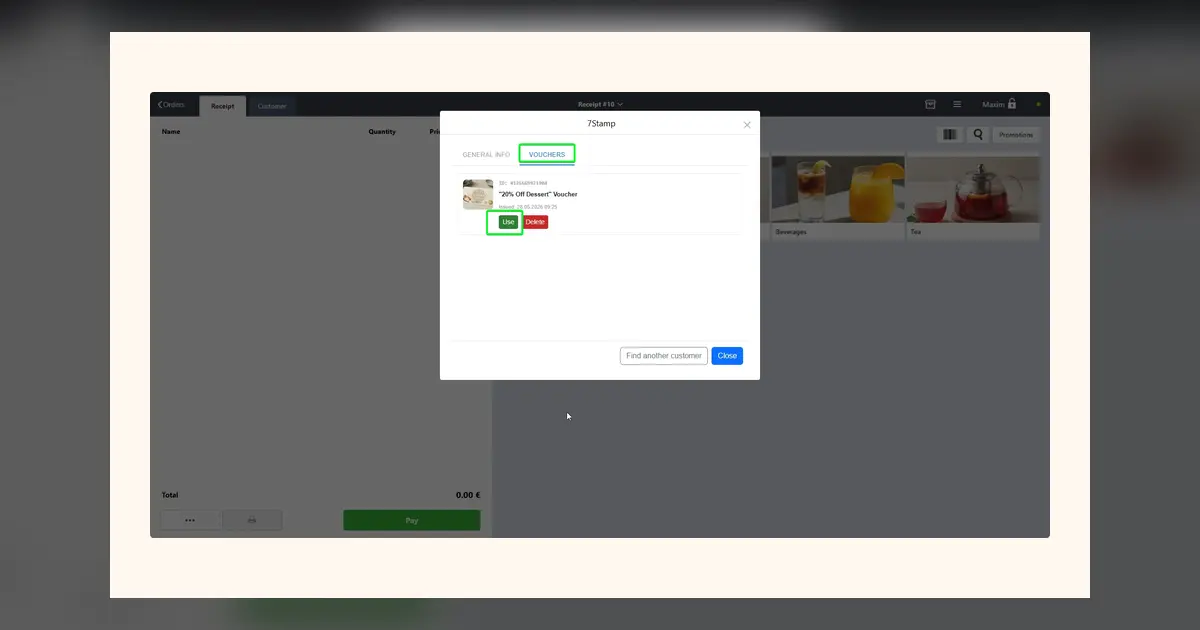
For pickup redemptions, Smart Vouchers or Redeem Codes help control where rewards are used. Announce: “Redeem in‑store at pickup—show your Card.” This keeps redemptions smooth at the counter and avoids adding friction to delivery drops. Because the Card lives in Apple Wallet or Google Wallet, guests don’t need to install a separate app.
Use Lottery Rewards when orders are infrequent or baskets are large. A small chance of a surprise reward per Stamp keeps interest between redemptions and works well alongside a main Stamp goal. Call this out on packaging occasionally to re‑engage lapsed delivery buyers.
Keep it clean: fraud‑aware setup and measurement without POS integration
Set expectations in copy: “One Stamp per order.” Place the QR under a bag seal or inside the lid so it’s scanned by the actual recipient. At pickup, ask: “Got your Stamp?” and, if needed, award via the Staff Scanner as a fallback. Add a soft nudge like “Scan when you receive your order” to encourage timely, legitimate scans without adding friction.
Measure what matters without POS integration. Track Stamp issuance, redemptions, and cohort progress in 7stamp to see more guests moving toward their next reward. Watch week‑over‑week trends after you refresh placements or microcopy. Look for healthier redemption flow and shorter time between first and second Stamp—signs your Receipt QR is converting off‑premise buyers into regulars.
Start with one pickup station and one delivery route, then scale across all bags and receipts. The Free Forever plan covers up to 100 Stamps/month, so you can prove the flow before you expand on paid plans. With Receipt QR and Zero Integration, your delivery and takeaway packaging becomes the loyalty lane your guests actually use.