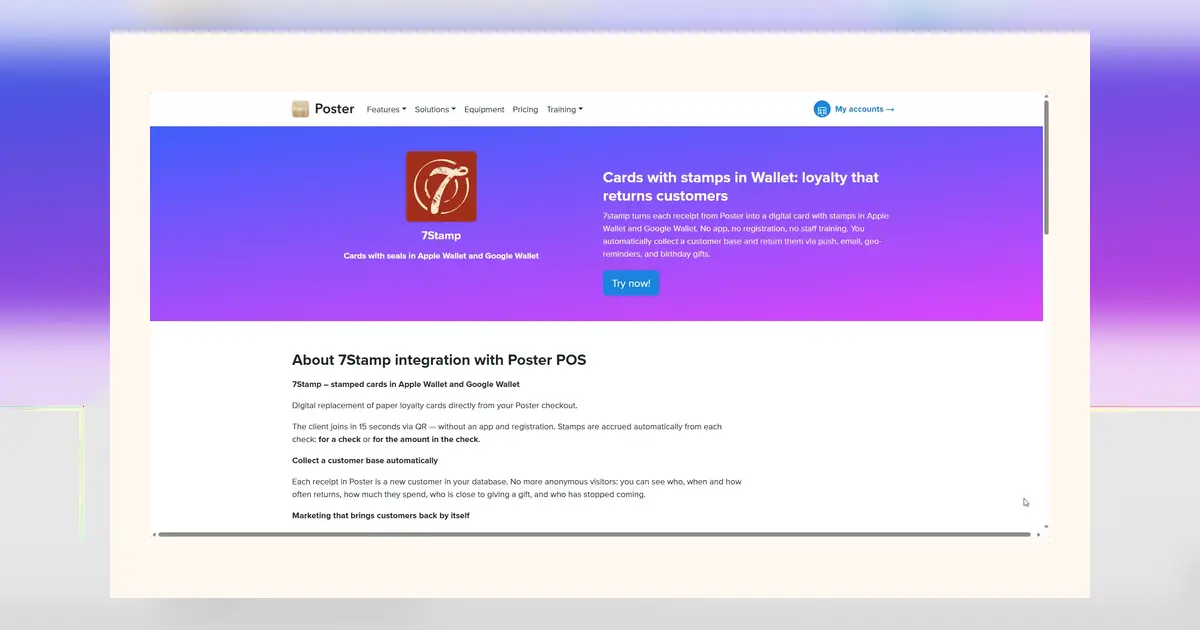
Want a loyalty program live by tonight’s close? This practical checklist shows how to launch a Wallet Stamp Card using 7stamp’s Zero Integration approach—no POS development, no customer app, no new staff role. Follow the steps to decide your reward rule, select a stamping workflow, create and test the Card, set up signage, train your team, run a short pilot, and go live with basic safeguards in place.
1) Make two pre-launch decisions
Set a simple reward rule
Pick a rule customers grasp instantly. Commonly, X Stamps = reward (for example, 8 Stamps = one free item or upgrade). Keep the reward visible on the Card and at the counter. If you plan seasonal offers later, you can also add Smart Vouchers or Lottery Rewards, but start with one clear Stamp reward so staff and customers learn the flow fast.
Choose your primary stamping workflow
Decide how Stamps will be added most of the time. Options include Staff Scanner (staff scans customer Card), Self-Service Kiosk (customer scans at a fixed device), Autopilot Mode (automated stamping with minimal taps), and Receipt or Delivery QR (customer scans a receipt insert or delivery slip). For attended counters, Staff Scanner is fastest. For unattended or high-throughput areas, Receipt or Delivery QR reduces queue impact.
2) Create and test your Wallet Card
Build once, verify on both wallets
Create your Wallet Stamp Card and save it to both Apple Wallet and Google Wallet. Confirm your brand name, colors, Stamp count, and reward text appear correctly. If you enable multilingual mode, switch device languages to confirm customer-facing pages display as expected across any of the 54 supported languages.
Exercise core flows before customers see it
Join via a QR code or a short link and save the Card to the wallet. Add a Stamp using your chosen workflow and verify the counter updates immediately. Check that the reward threshold and terms are visible on the Card. If you use compatible NFC readers, you can enable tap-to-stamp via Apple VAS and Google Smart Tap; otherwise, stick to QR scanning without changing hardware.
3) Set up QR and in-store signage
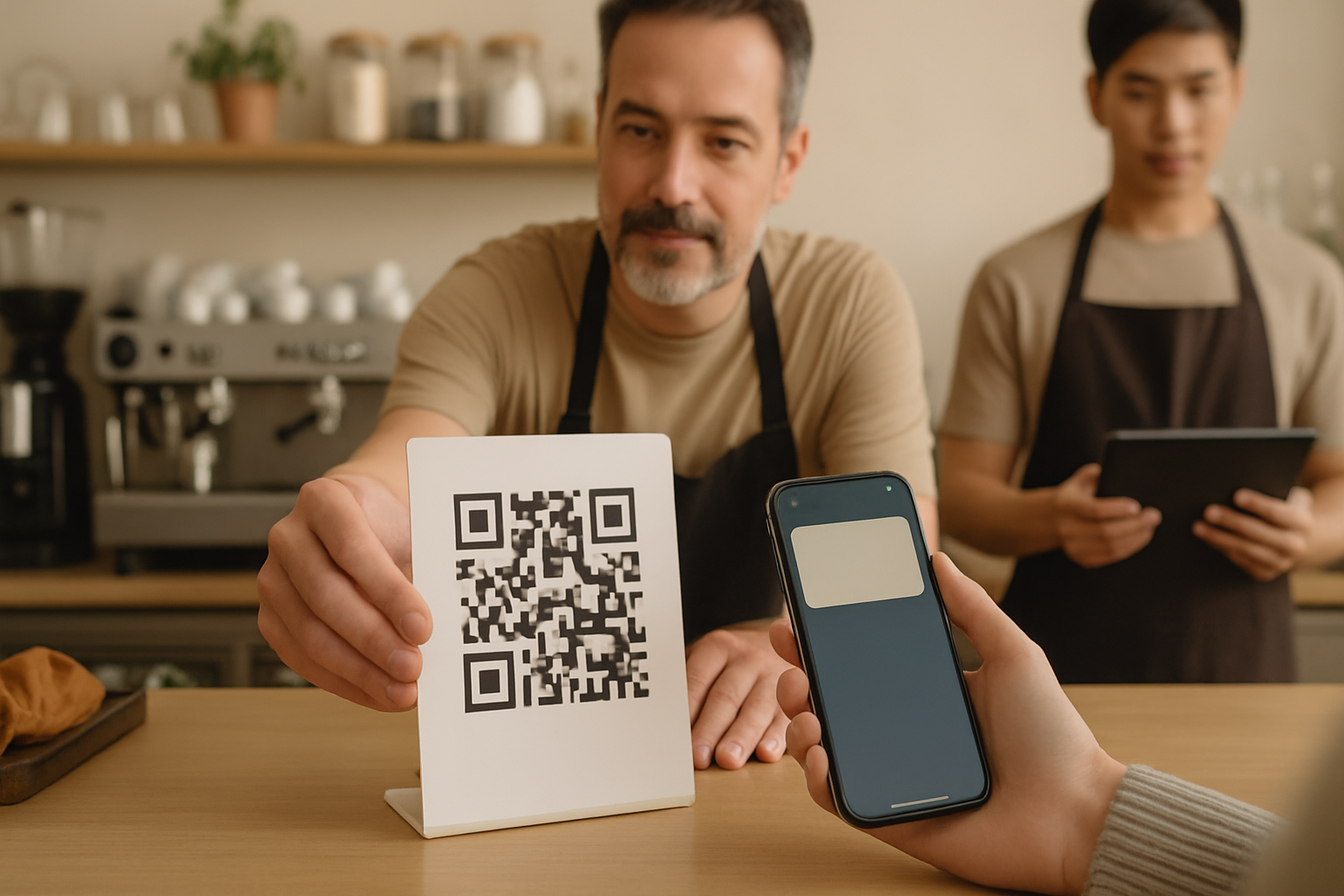
Place the join QR where eyes already go
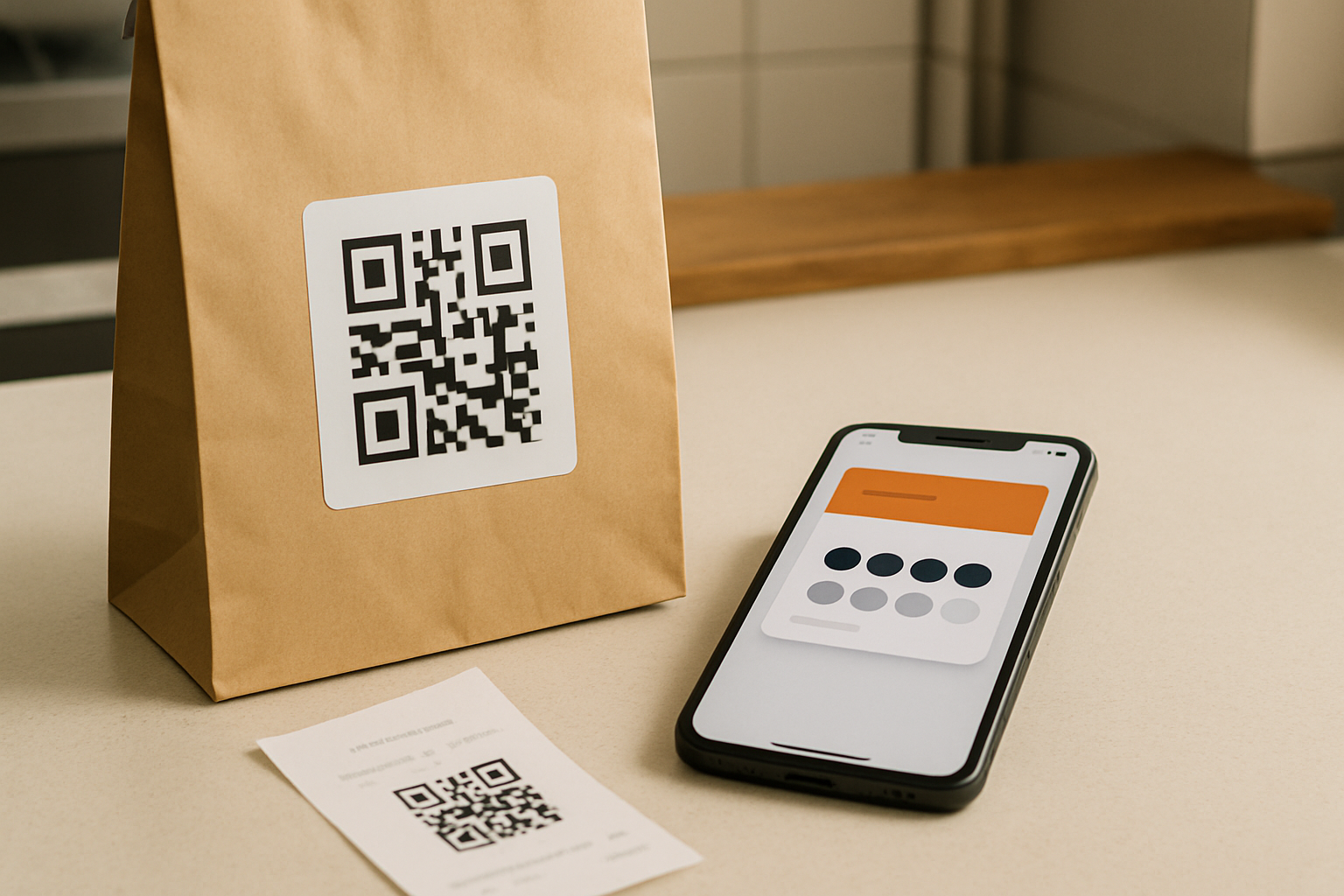
Put the join QR at the counter, on the door, near the menu or service list, and at checkout. For takeaway and delivery, add a small insert or a QR sticker on the bag. The goal is to let customers add the Card while waiting or right after paying—no extra trip, no app store search, just a quick scan and save.
Print for easy scanning and fast lines
Use high-contrast printing, adequate white space, and a size that scans reliably from arm’s length. Include one short line: “Scan to add your Wallet Stamp Card.” If you run Self-Service Kiosk, mount the device at eye level with steady lighting. For Receipt or Delivery QR, confirm codes print clearly and stay readable after handling.
4) Enable staff with scripts and device placement
Keep the script short and repeatable
Give your team a one-liner for every transaction: “Do you have our Wallet Stamp Card? Scan here to join; I’ll add your Stamp after payment.” For redemptions: “Your Card shows a reward—want to use it today?” Clarity beats speed only once; after a few shifts, these lines become automatic and keep the queue moving.
Decide who scans when—and where devices live
For Staff Scanner, keep the stamping device at the primary register and a backup at the secondary till. Stamp after payment to prevent abuse. During peaks, let non-paying companions join but add their first Stamp off-peak. For Kiosk or Autopilot Mode, designate a staff member to glance at the device during lulls and help first-timers without blocking the line.
5) Run a tight pilot before full launch
Dry run with 5–10 customers
Invite known regulars or teammates to simulate real visits. Validate join, Stamp add, and reward redemption. Confirm the reward is clearly visible on the Card and that any Smart Voucher or Redeem Code appears and works as intended. Time each step at the counter to ensure it fits your busiest periods.
Log observations and fix small snags
Note any confusion about where to scan, what happens after payment, or how to redeem. Adjust the script, move the sign, or enlarge the QR. If you serve multiple languages, ask one tester per language to confirm instructions look natural. If you use Receipt or Delivery QR, verify codes remain readable after printing and packaging.
6) Go live with safeguards and simple monitoring
Fraud and abuse basics by workflow
Always add the Stamp after payment. For unattended or remote flows, use Receipt or Delivery QR so each order has a distinct code. Redeem through Smart Vouchers or Redeem Codes to avoid manual ledger mistakes and to keep usage auditable. If a customer presents a used code, decline politely and issue a new Stamp only when you verify eligibility.
Day-one checks, fallbacks, and plan fit
Assign one person to watch early signals and triage issues. Keep a printed join QR at every till and a spare device charged. If your primary device fails, switch to the backup or pause stamping and honor rewards using Smart Vouchers when back online. When you approach 100 Stamps in a month, consider moving from Free Forever to a paid plan (€29/month or €290/year per location/login) to support growth.
- Monitor joins, Stamps added, and first redemptions every few hours on day one.
- Spot-check Card display on both Apple Wallet and Google Wallet devices.
- Confirm signage is visible from the queue; reposition if scanning looks awkward.
- Verify redemption records for Smart Vouchers or Redeem Codes match in-store events.
- Capture one sentence of customer feedback; adjust scripts and placement accordingly.
After launch: light improvements without integration
Refine where the QR sits, shorten the script, and add a small menu note so customers expect a Stamp after payment. If you maintain a CRM, 7stamp can issue Cards to existing customers and send loyalty activity back to CRM—useful for welcome messages or segmenting regulars—without changing your POS. Scale to additional locations by cloning assets and reusing training.
Conclusion
Zero Integration means you can stand up a Wallet Stamp Card in one shift: choose a simple reward, pick a primary workflow, test the Card on both wallets, place clear QR signage, train staff with short scripts, pilot with 5–10 customers, and go live with basic safeguards. Keep it simple on day one, then iterate. Your first live Stamps are the fastest path to lasting adoption.